Name the routine
The same few locations repeat every week. Giving each one a name is enough to follow the shape of an ordinary week.

Places
Name the places your family moves between. The group sees an arrival on the map they already share — so no one has to ask where anyone is.
Why Places
A map shows where someone is. Naming that location is what turns it into something the whole family understands.
The same few locations repeat every week. Giving each one a name is enough to follow the shape of an ordinary week.
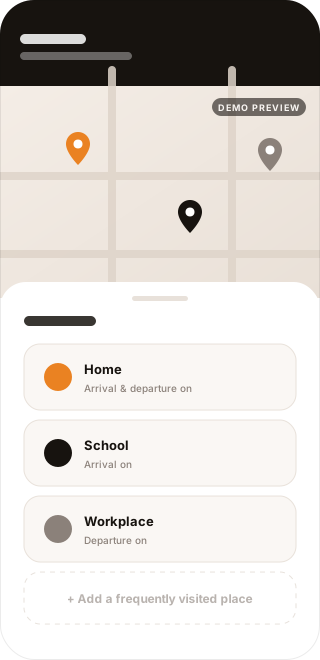
A place can be set up to mark an arrival or a departure — so a location stops being a dot and becomes a moment the group recognises.
“Did you get there?” is a message families send hundreds of times a year. A named place carries that answer on its own.
Key Benefits
Every family keeps its own list. These are the ones most start with, and what each one adds to a day.
Home
A day starts here and ends here. Getting home is the arrival the rest of the family is usually waiting on.
School
A school or an academy sits at the same hour every weekday. Setting it up makes that hour part of the day the group already sees.
Work
A workplace holds the morning and the evening of a weekday. Leaving is the end a family at home tends to notice.
Hospital
Sharing the place keeps the family in the same context for a visit — without anyone having to explain it twice.
Favorite places
A grandparent’s house, a park, a regular café. Anywhere a family keeps returning to can carry a name too.
How It Works
Four steps take a location from a name on a map to something a family no longer has to ask about.
Step01
Mark a location on the map, give it a name, and set the area around it. That area is what tells the place apart from the street beside it.
Step02
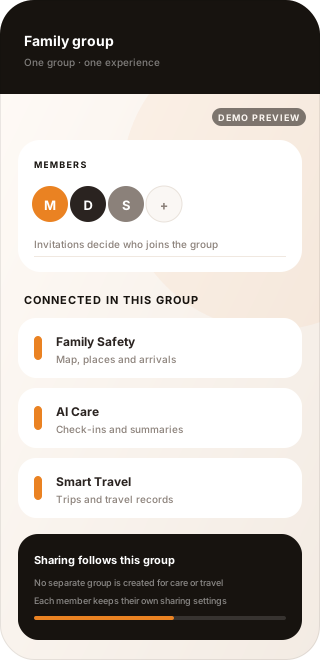
A place belongs to the family group, not to one device. Everyone in that group sees the same saved places, under the sharing rules the group already uses.
Step03
A place can be set up so the group is informed around arrival and departure — a child reaching school, a parent getting home, someone leaving work.
Step04
The week keeps its own rhythm. The family follows it on the map they already share, and the question stops being asked.
Whether an arrival or a departure is recognised depends on device location settings, permissions, and network conditions.
Privacy & Trust
Places works with location, so the boundaries matter as much as the features. These are the limits it is built around — the reason a family can rely on it for what it actually does.
A saved place lives in the family group, not on a single device. Members of the same group see the same list, and it moves with the group rather than with one phone.
Places use the sharing rules the group already has. Joining a family group does not mean sharing everything in it, and a place does not create a new exception to that.
Location sharing is each person’s own decision, and the map only shows what the group has shared. A saved place marks a moment — it does not open anything that was not already shared.
An arrival or a departure is not recognised in every situation. Device settings, permissions, and network conditions all affect the result, so Places is not something to rely on for an emergency.
Related Features
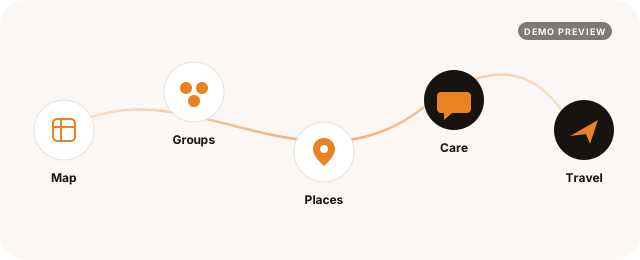
The map shows a place, the group decides who sees it, and care and travel build on that same group — nothing has to be set up a second time.
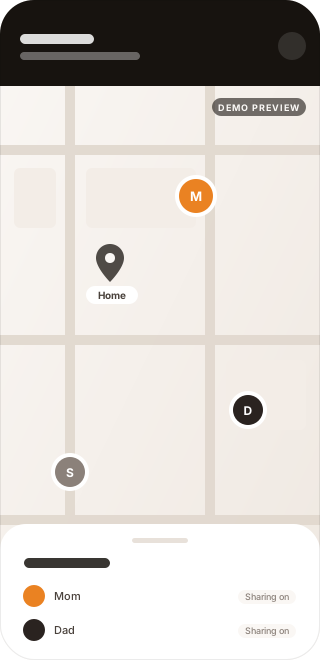
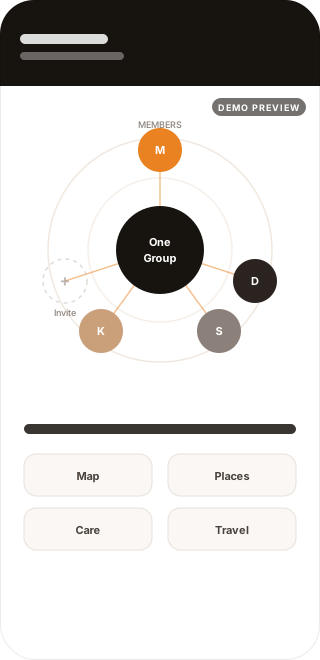
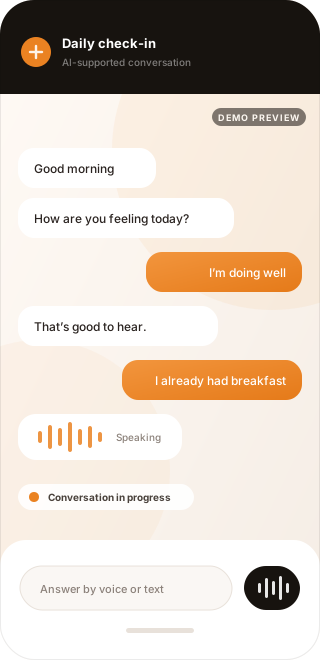
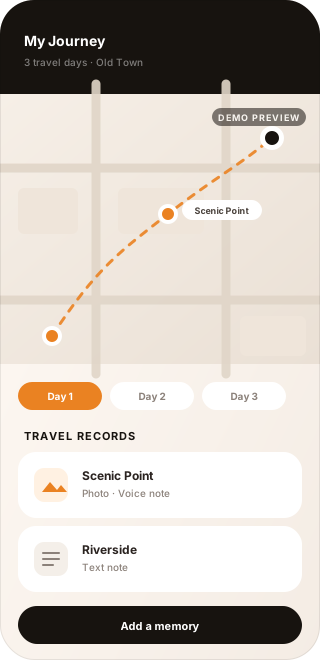
A place gives a location meaning, the map shows it, and the group decides who sees it — the three work as one across Tavino AI.
Setup questions are answered in the Help Center, and the Tavino AI overview covers the whole picture.